









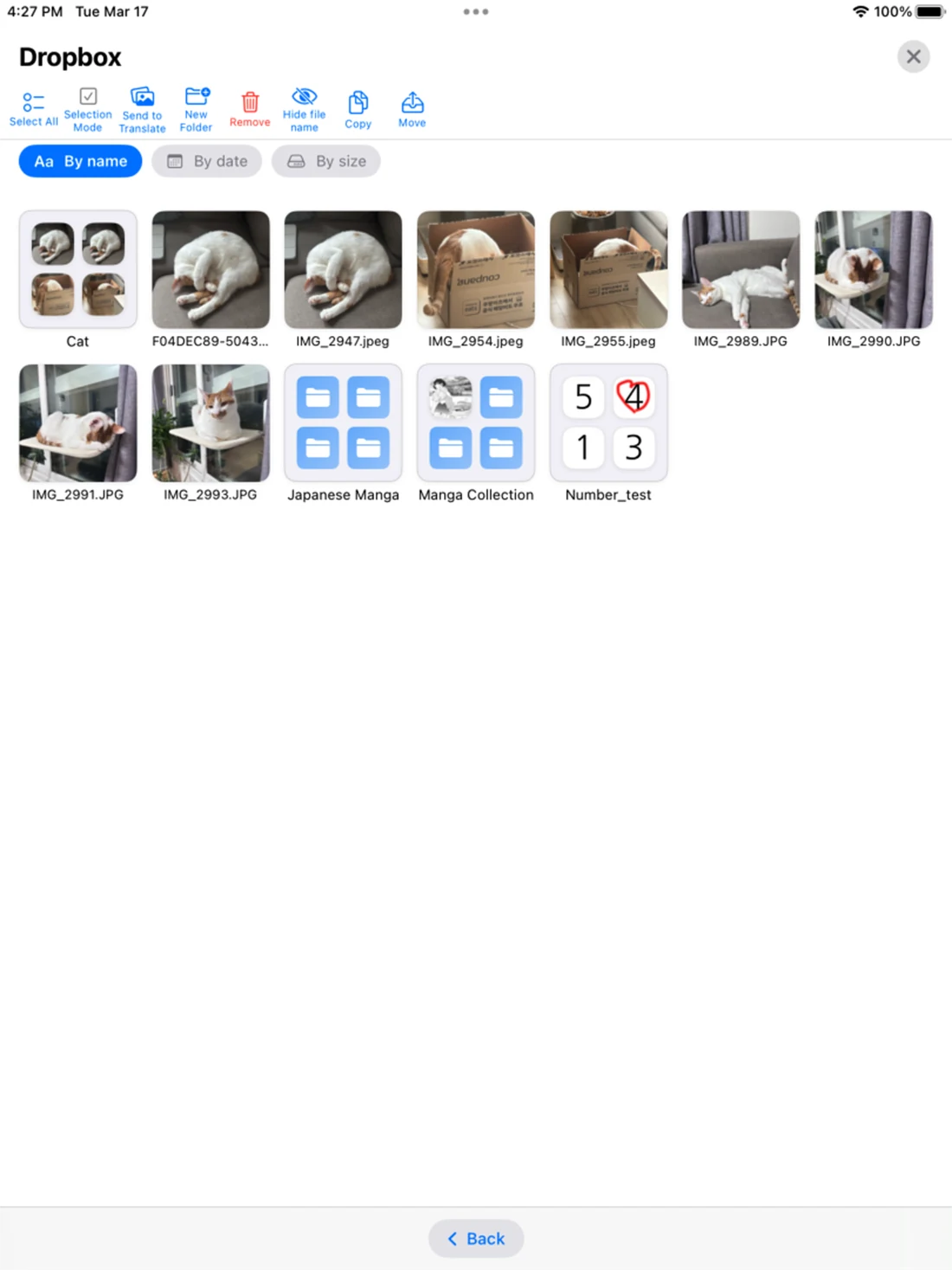
Visual file management
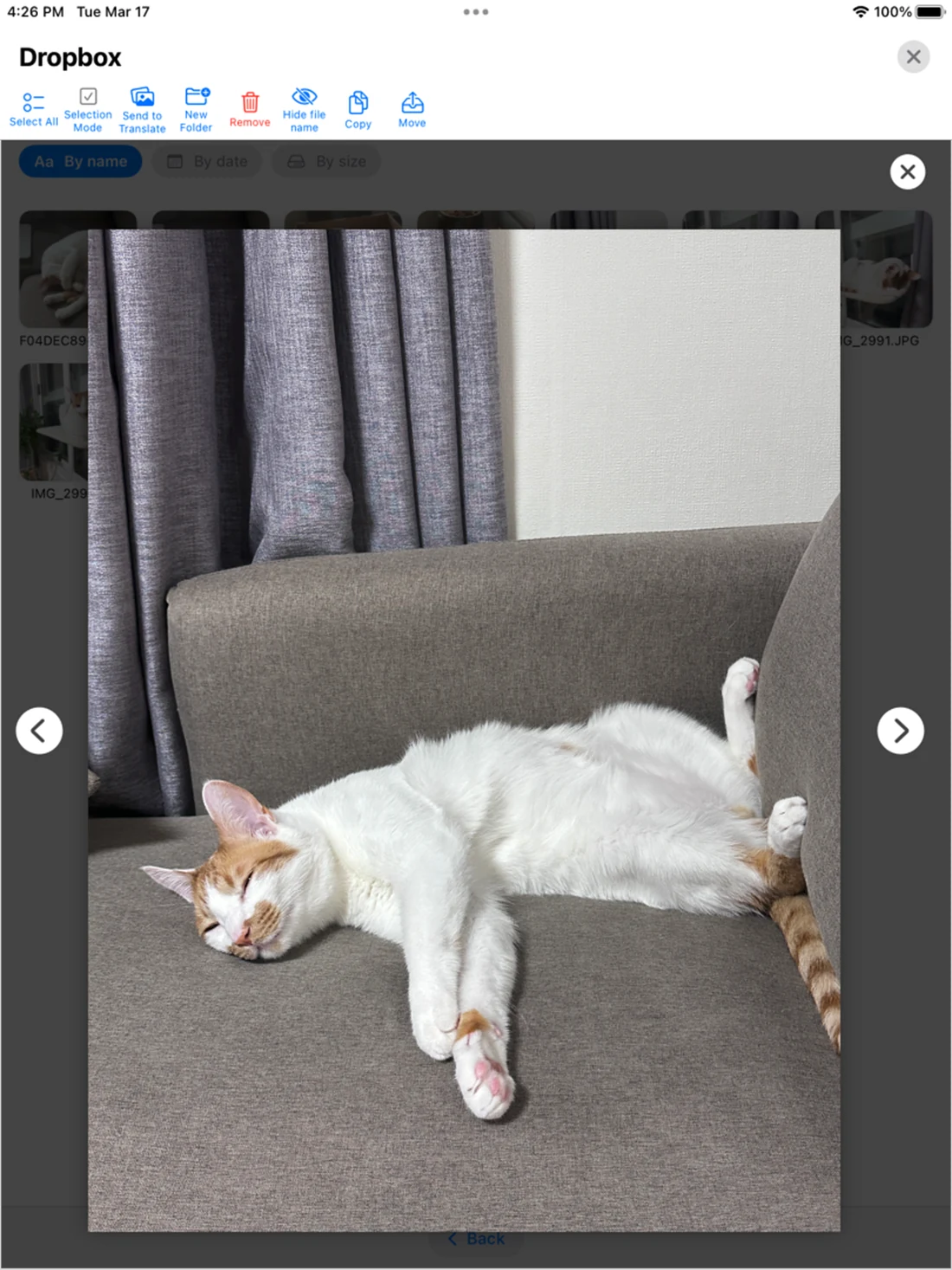
Organize, rename, copy, move, and browse image collections with large thumbnails and clear folder controls.
IPAD TRANSLATION · VIEWER · FILES
Use the larger iPad display for image translation, comfortable reading, visual file management, and access to local, cloud, and remote storage.

MORE ROOM FOR EVERY IMAGE
A touch-friendly workspace that makes translation, viewing, and file organization feel natural on a larger screen.
Organize, rename, copy, move, and browse image collections with large thumbnails and clear folder controls.
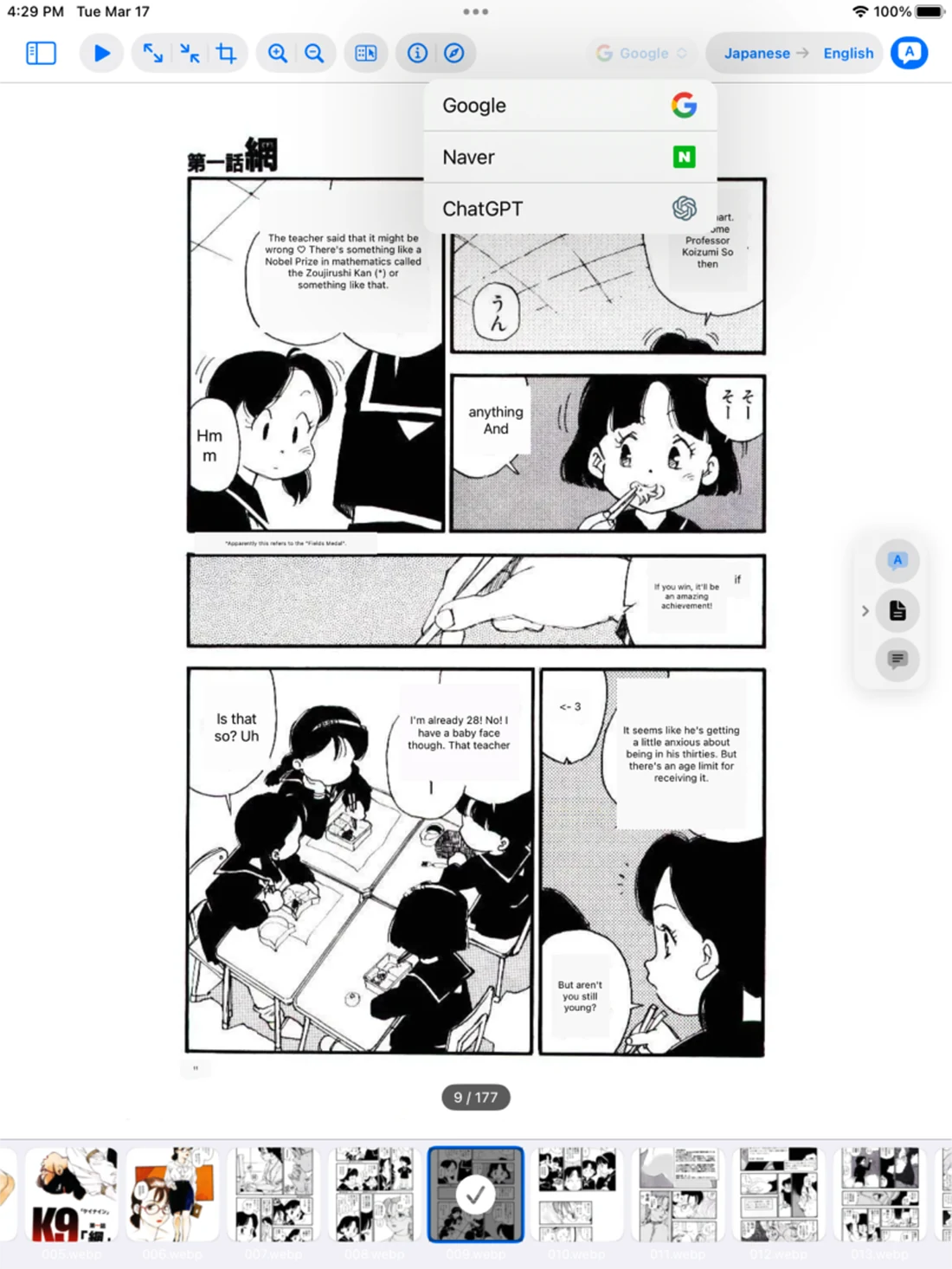
Zoom, crop, navigate, and read high-resolution images with controls designed around the iPad display.
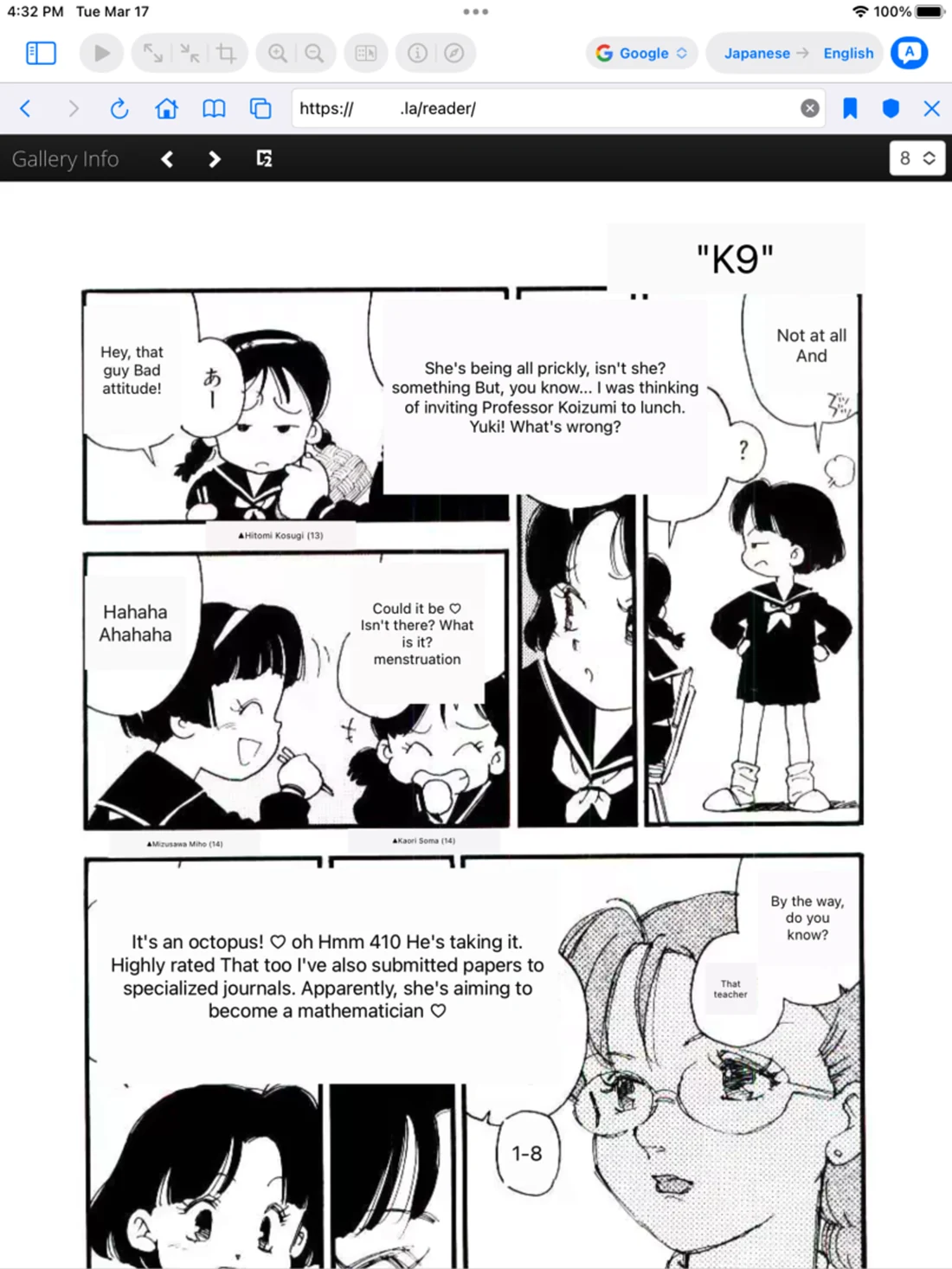
Recognize text and translate manga, documents, and images across more than 50 languages.
Open web comics in the built-in browser and translate images without moving between multiple apps.
Switch between the source image and translated view whenever you need to check context or nuance.
Open iCloud, Photos, Google Drive, Dropbox, SFTP, SMB, NFS, and WebDAV content from one place.
HOW TO USE TOONPIE PAD
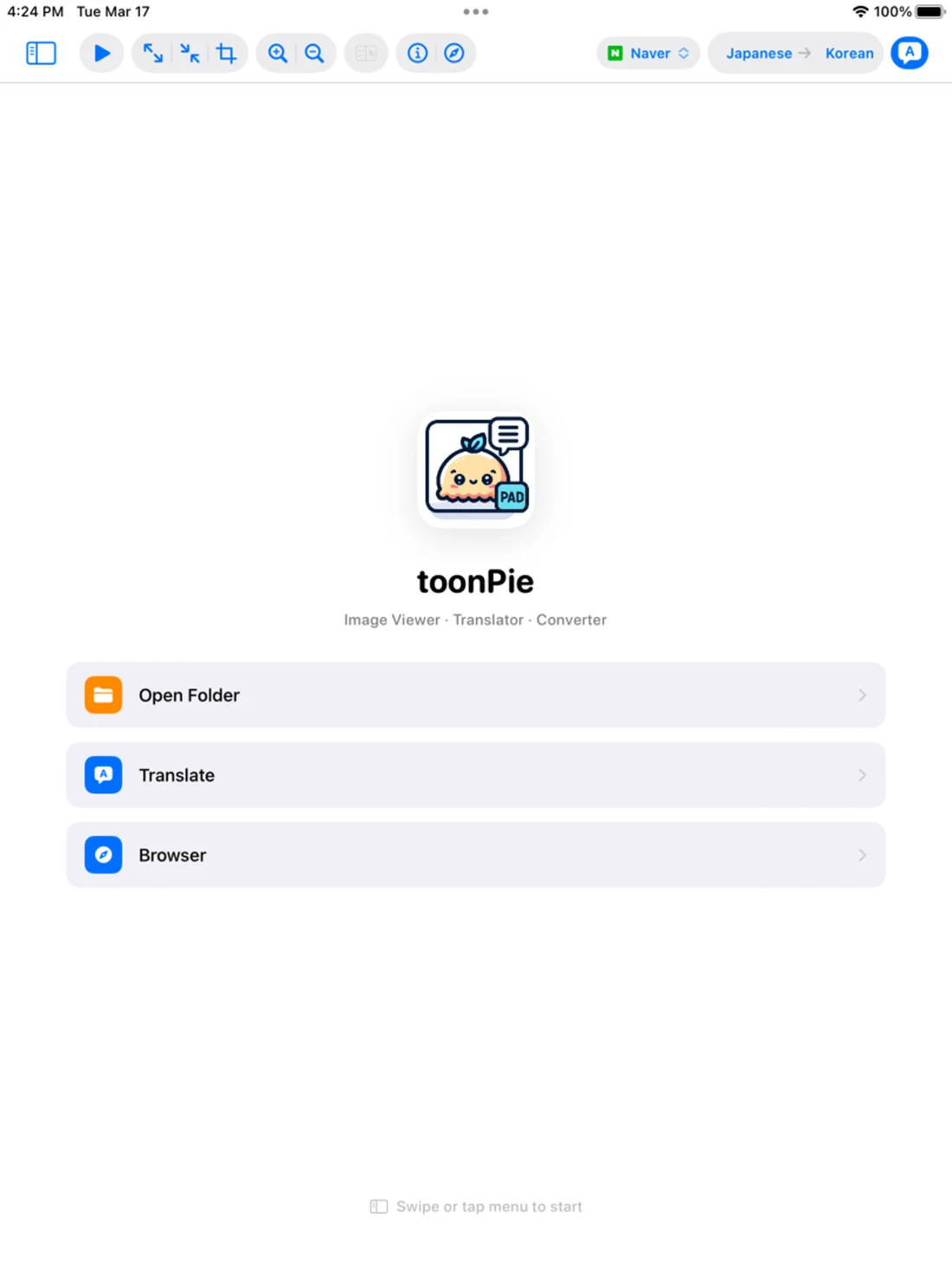
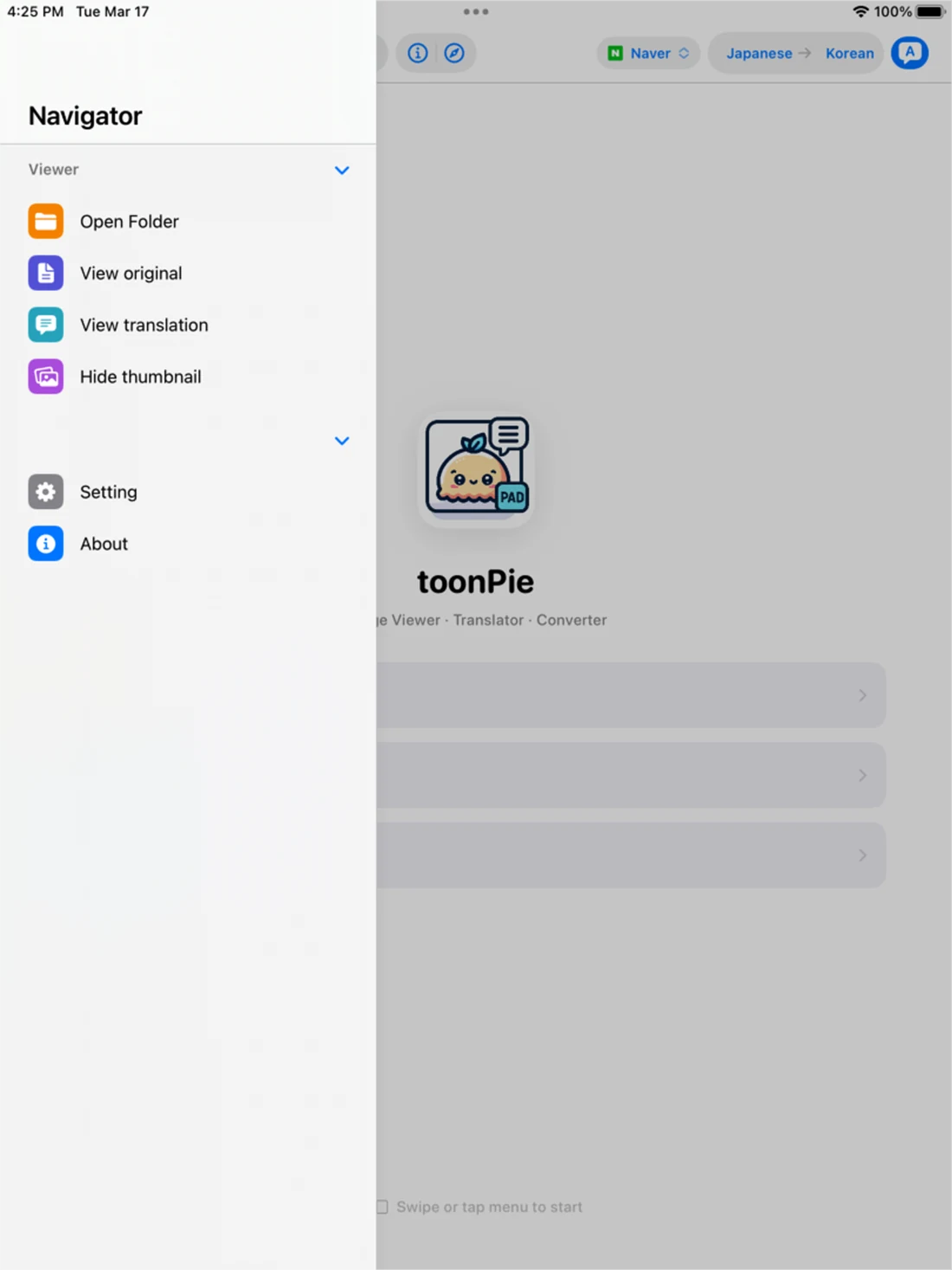
Start from a local folder, Photos, iCloud, cloud storage, or a remote server.
Select an image, choose the languages and translator, then view the result on the large canvas.
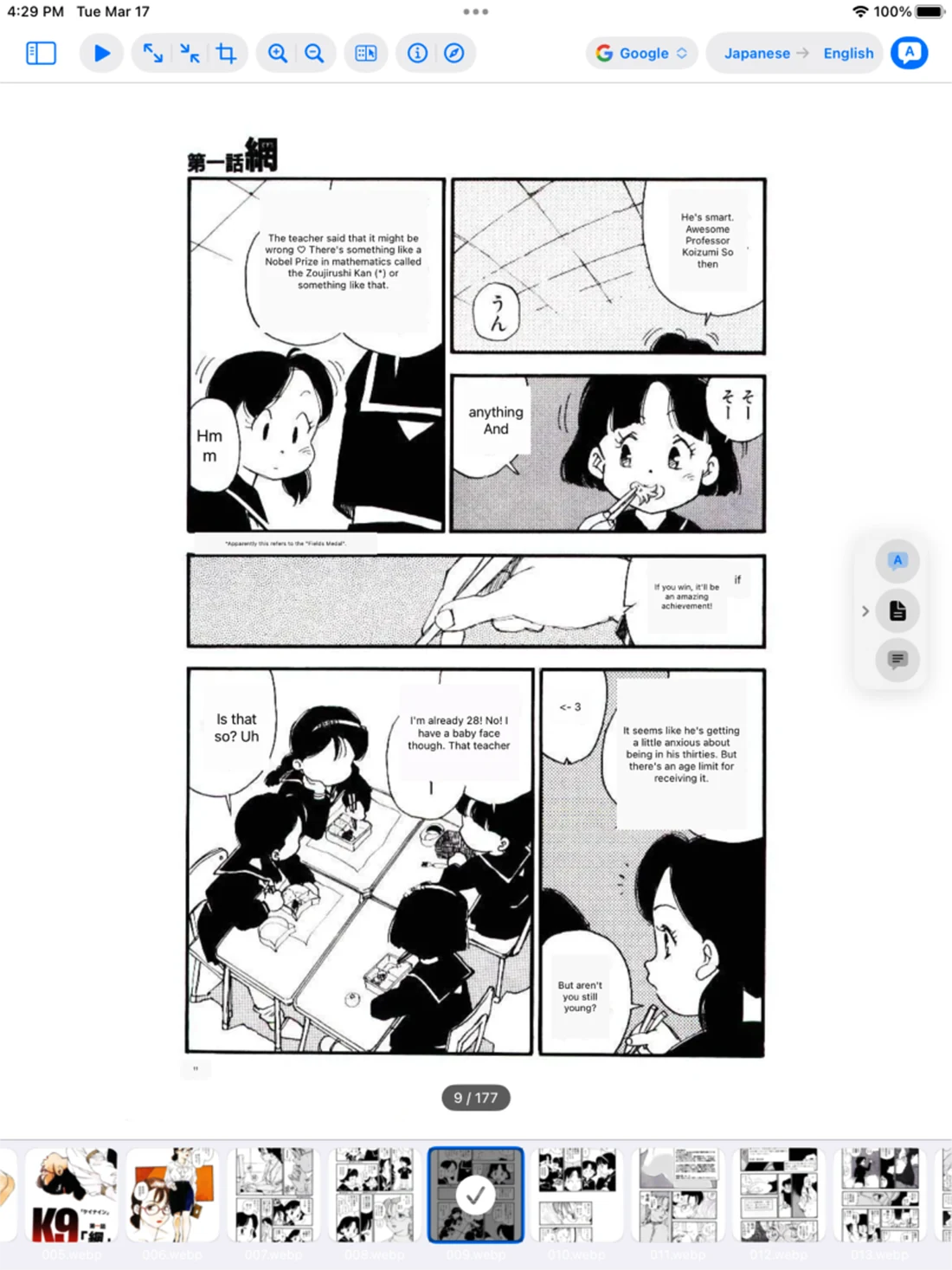
Move through images, compare the original, and manage folders with touch-friendly file tools.
PRODUCT TOUR
Eight original iPadOS screens extracted from the layered PSD, without the App Store frame or promotional copy.

Made for iPad
A larger workspace for reading, translation, and image management.
With your permission, Google Analytics uses cookies to measure visits and improve this website. Google receives usage and device information. Analytics stays off until you allow it.
Your browser sends a Global Privacy Control signal. Optional analytics is turned off.
Cookies and privacy